Real 3D
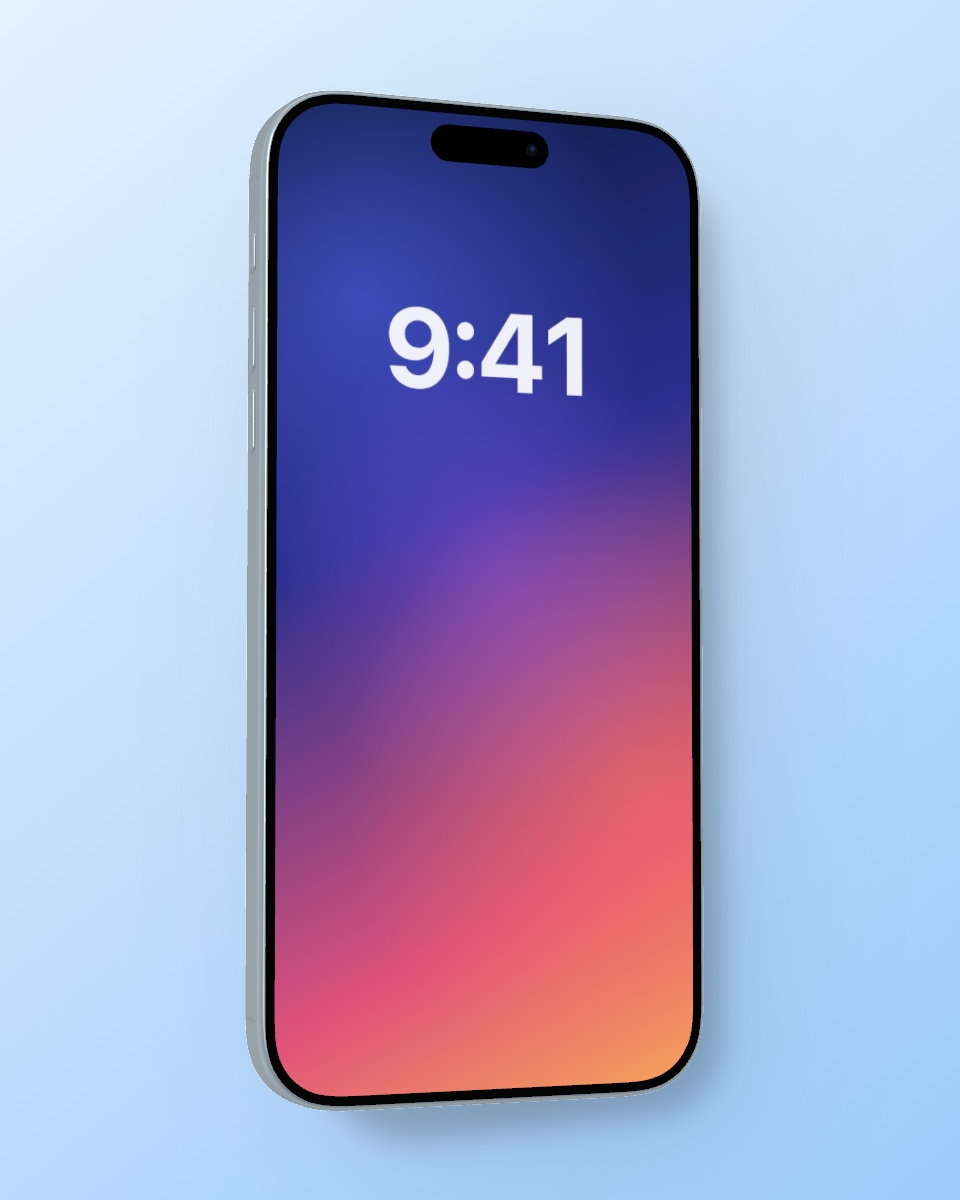
A detailed iPhone model you can turn freely, with rounded aluminium edges, buttons and Dynamic Island.
 Mocky
Mocky
Drop in a screenshot, turn the iPhone to any angle and download a photorealistic mockup. Right here in your browser, free and without sign‑up.
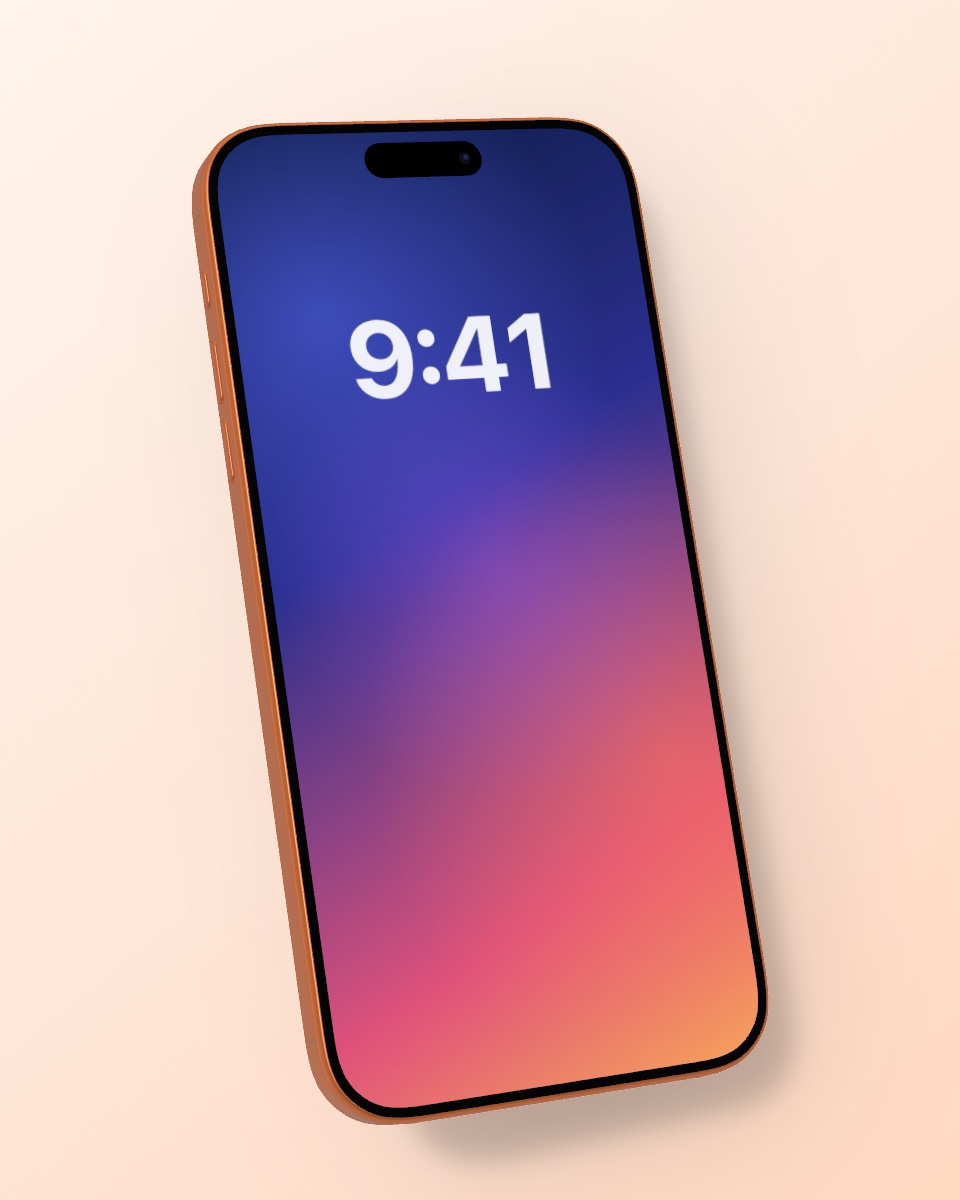
Drag to rotate · Shift-drag or two fingers to move · Double-click to center
Mocky is free and made by one person. A coffee helps keep it that way.
☕ Buy me a coffeeVideo mockups, 4K and sharing straight from Photos: get the free iPhone app.
Choose a screenshot or app design, or simply drop it onto the editor.
Turn the phone, pick a frame color, background, shadow and format.
Save a sharp PNG for the App Store, social media or your portfolio.
A detailed iPhone model you can turn freely, with rounded aluminium edges, buttons and Dynamic Island.
Soft studio reflections and an adjustable light direction make the frame look like a product photo.
Set strength and softness of the drop shadow, or switch it off for clean cutouts.
Burgundy, Cosmic Orange, Glacier, titanium finishes and any custom color.
Solid colors, gradients, your own photo, a blurred version of the screenshot, or transparent.
Story 9:16, square 1:1, portrait 4:5 and landscape 16:9 for every platform.
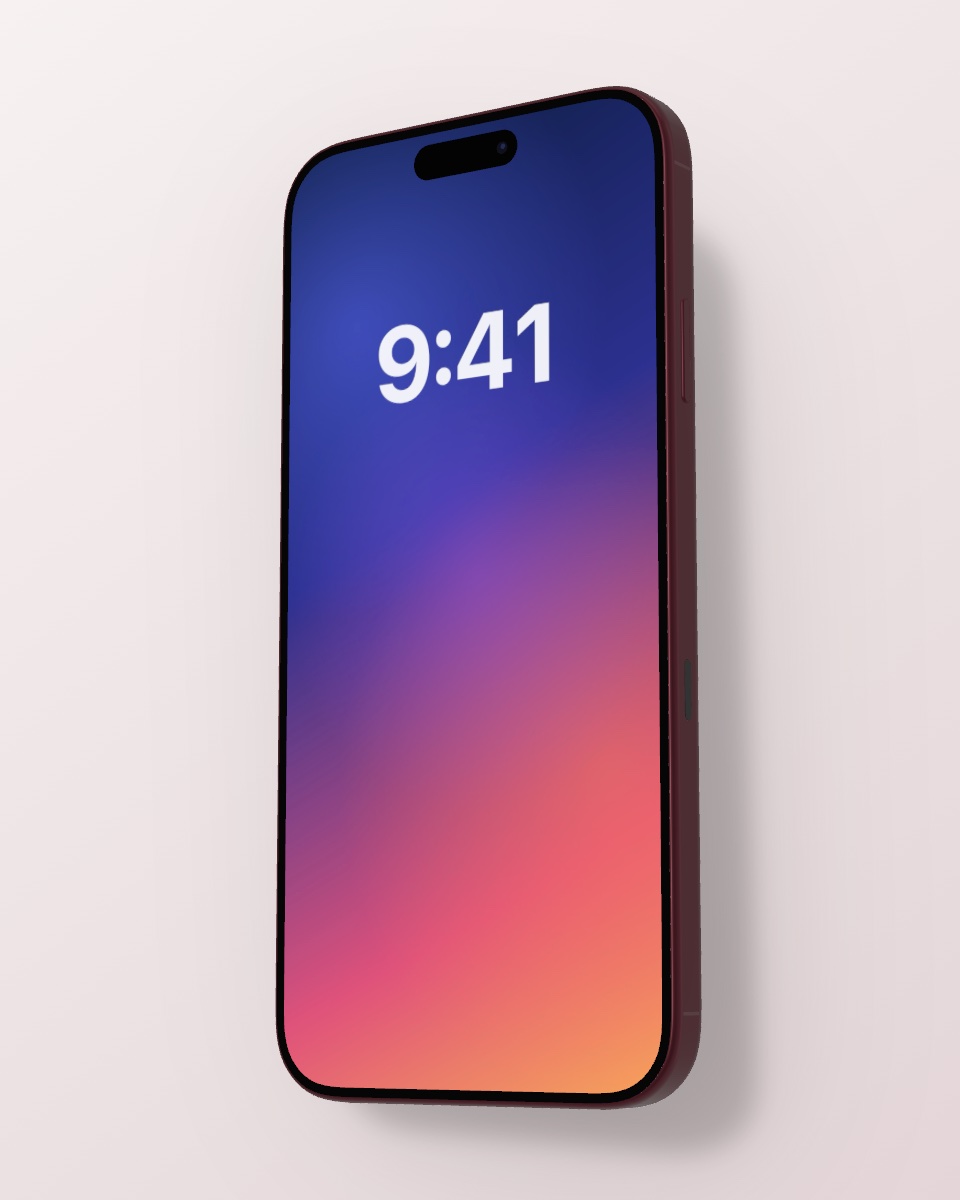
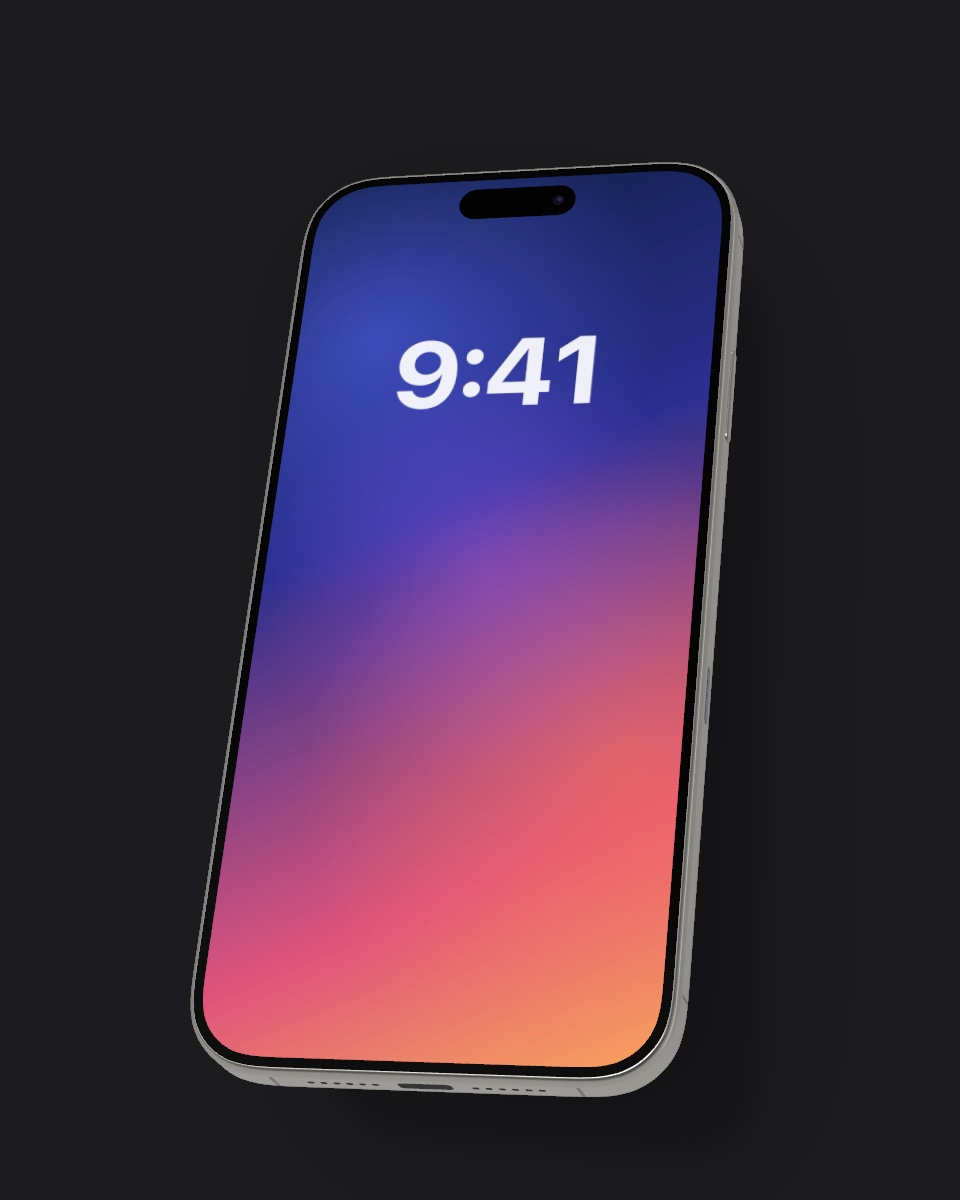
Present your app in a real device for the App Store and Google Play.
Instagram, TikTok, LinkedIn and X posts that show your product in context.
Case studies, Dribbble shots, Behance projects and investor decks.
Hero images for websites, newsletters and product launches.
The free Mocky app turns screen recordings into 3D video mockups, exports in 4K and lets you share a screenshot straight from Photos to Mocky.

Yes. The web editor is free to use without an account, and the iPhone app is a free download.
No. Everything is rendered on your own device in the browser. Your images never leave your computer or phone.
A detailed 3D model of the current iPhone Pro generation with the Dynamic Island, in colors of current and earlier Pro models.
Yes. You can use your exported mockups for the App Store, marketing, social media and client work.
The web editor exports PNGs at 1080 pixels on the short side. The iPhone app exports up to 4K and video.
Yes. The editor works in Safari and Chrome on iPhone, Android, Mac and PC. For video mockups use the iPhone app.